Introduction
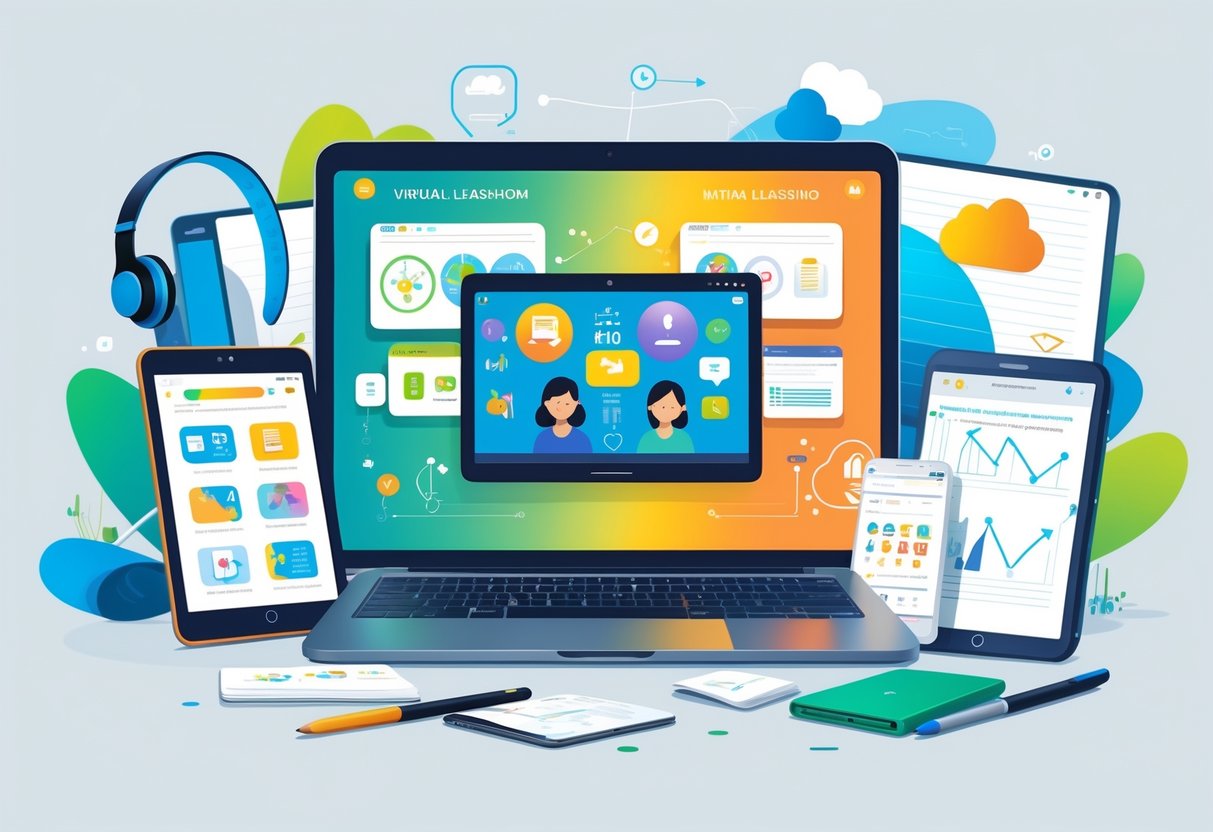
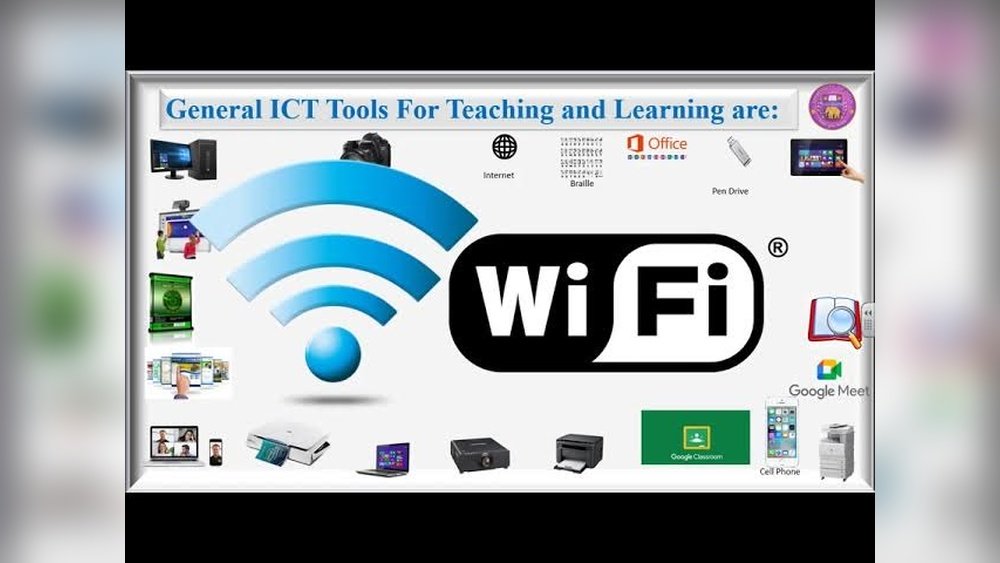
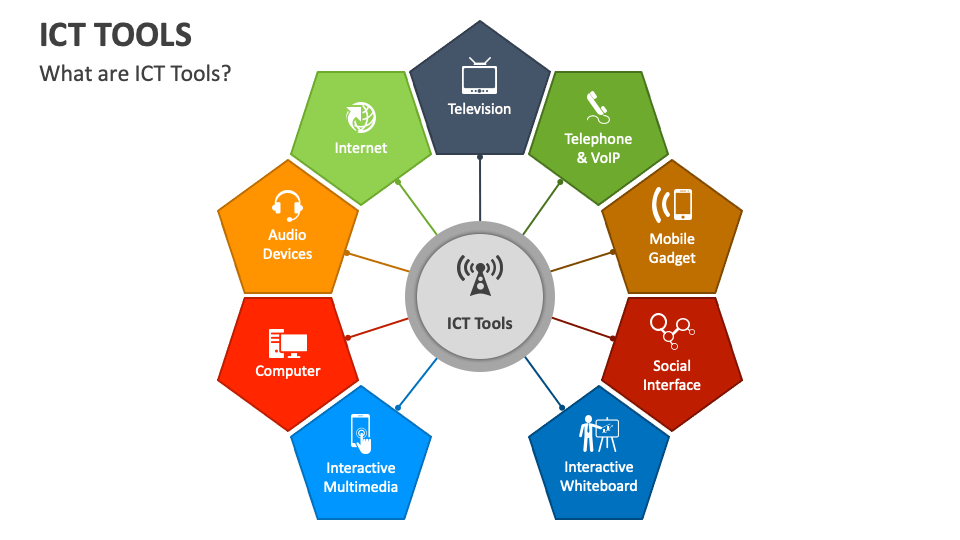
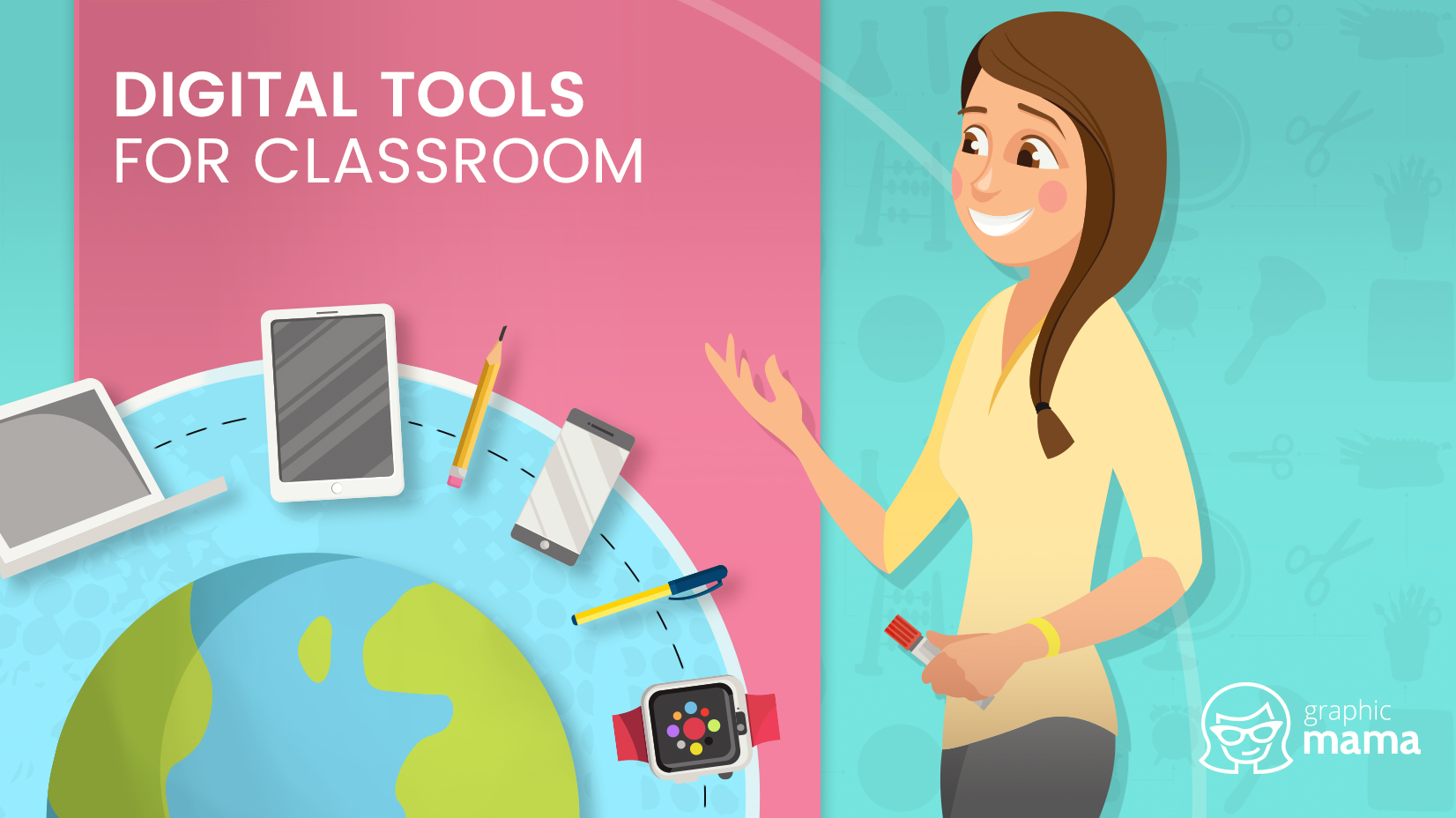
Free ict tools for teachers refer to zero-cost digital hardware, software applications, and web-based platforms utilized to streamline classroom instruction, automate grading, and boost student engagement. According to the National Center for Education Statistics (NCES), over 90 percent of instructional staff regularly integrate digital applications to manage daily lesson plans and track learner progress. Organizing digital workflows effectively requires a blend of technological resources and reliable offline structures. Educators, parents, and lifelong learners leverage these digital assets alongside structured offline materials to reinforce foundational concepts, maintain clean gradebooks, and cultivate productive study environments without incurring software licensing fees.
Quick Key Takeaways:
- Core Focus: Utilizing free ict tools for teachers to optimize lesson delivery, assessment creation, and classroom management.
- Target User: Educators, homeschool parents, and educational facilitators managing modern learning environments.
- Key Recommendation: Pair cloud-based utility applications with printable Academic trackers to bridge digital and physical learning.
What This Printable Covers
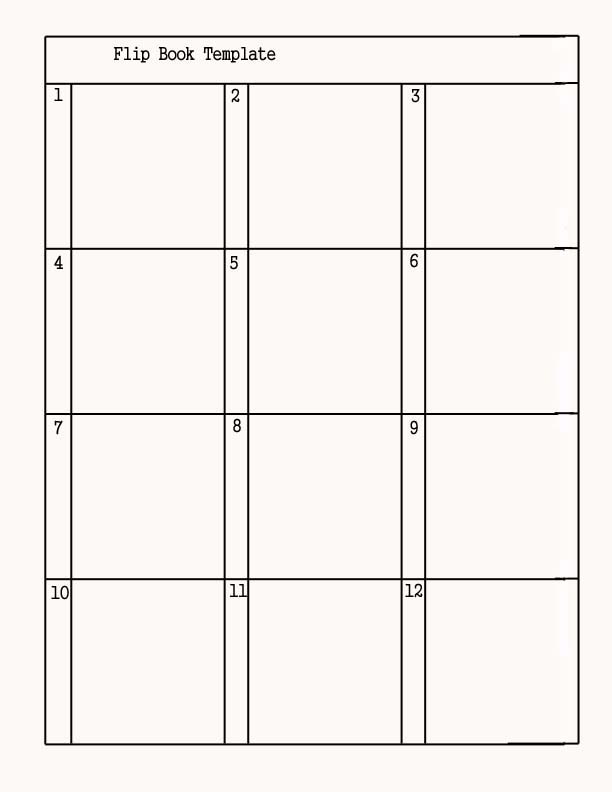
The implementation framework bridges digital utility management with traditional documentation practices, supporting systematic record-keeping and lesson planning. Practitioners utilize these curated integration guides to map out software ecosystems, align online modules with curriculum standards, and establish seamless transitions between screen-based tasks and offline assignments. Foundational competencies include digital literacy expansion, automated assessment design, and comprehensive portfolio compilation. Alignment with established pedagogical guidelines ensures that technology serves as a deliberate enhancement to cognitive development rather than a mere distraction. Related guide: Antonyms For Class 2.
Key Learning Outcomes
Participants master the selection of reliable open-source software, design effective digital-analog hybrid assignments, implement streamlined administrative workflows, and measure student engagement metrics accurately. Learners develop critical evaluation skills to determine data privacy compliance in software applications while organizing lesson materials systematically across multiple platforms. These structured outcomes empower instructors to reduce planning fatigue, eliminate redundant paperwork, and cultivate responsive, interactive learning communities.
Overview & Skill Breakdown
| Focus Area | Target Skill | Best Practice |
|---|---|---|
| Software Selection | Evaluating open-source utility and security | Cross-reference privacy compliance before deployment. |
| Blended Integration | Merging digital tasks with Worksheet printouts | Maintain balance to prevent digital fatigue. |
| Workflow Management | Streamlining grading and scheduling | Use templates for Administrative tasks. |
How to Use This Worksheet
Deploying this framework begins with reviewing current instructional bottlenecks, whether in grading, attendance tracking, or assignment distribution. Instructors map out weekly schedules, match specific online utilities to instructional goals, and utilize structured logging sheets to track application effectiveness. Integrating these tools into daily routines transforms chaotic digital environments into streamlined, transparent operational hubs that benefit both instructors and learners alike.
Practical Tips for Success
Preparation involves auditing existing school technology infrastructure to ensure software compatibility and reliable internet access. Execution requires introducing one digital platform at a time to learners and colleagues to prevent cognitive overload and technical resistance. Extension activities involve utilizing Personal Growth trackers to assess educator proficiency and refine software integration strategies over successive academic terms.
Stage-Appropriate Recommendations
Beginner implementers focus on basic communication platforms and simple interactive quiz generators, whereas advanced practitioners integrate complex learning management systems, collaborative whiteboards, and automated rubric creators. According to the International Society for Technology in Education (ISTE) Standards for Educators, instructional staff must actively design authentic learning experiences that leverage technology while maintaining ethical data practices. Matching the tool complexity to the technological readiness of the learning group guarantees sustained adoption and reduces frustration.
Over 90% of instructional staff regularly integrate digital applications to manage daily lesson plans and track learner progress. — National Center for Education Statistics (NCES)
Frequently Asked Questions
Explore More Free Printable Resources
Enhance instructional design strategies and administrative organization by exploring the complete library of supplementary materials tailored for every educational stage. Discover specialized modules, including resources for Early Learning, designed to support holistic development and seamless digital integration. Visit the main collection at Free Printable For You to access hundreds of high-quality, zero-cost assets built for modern educators.
Images References