
Introduction
A livework sheet transforms static educational materials into dynamic, interactive learning tasks by bridging the gap between traditional paper exercises and modern digital engagement. According to a 2023 study by the Journal of Educational Technology Systems, students who utilize interactive digital-hybrid worksheets demonstrate a 24% increase in concept retention compared to those relying exclusively on traditional static pages. This pedagogical tool allows learners to type answers, select multiple-choice options, and receive immediate feedback, making it an indispensable asset for diverse learning environments. Whether deployed in a traditional classroom, a remote study room, or a home-schooling setup, the livework sheet provides structured academic practice that caters to various learning styles and paces.
Quick Key Takeaways:
- Core Focus: A livework sheet converts standard printables into interactive digital exercises for enhanced skill reinforcement.
- Target User: Educators, students, and parents seeking versatile, self-paced academic practice tools.
- Key Recommendation: Pair digital interaction with physical reflection to maximize cognitive engagement and memory consolidation.
What This Printable Covers
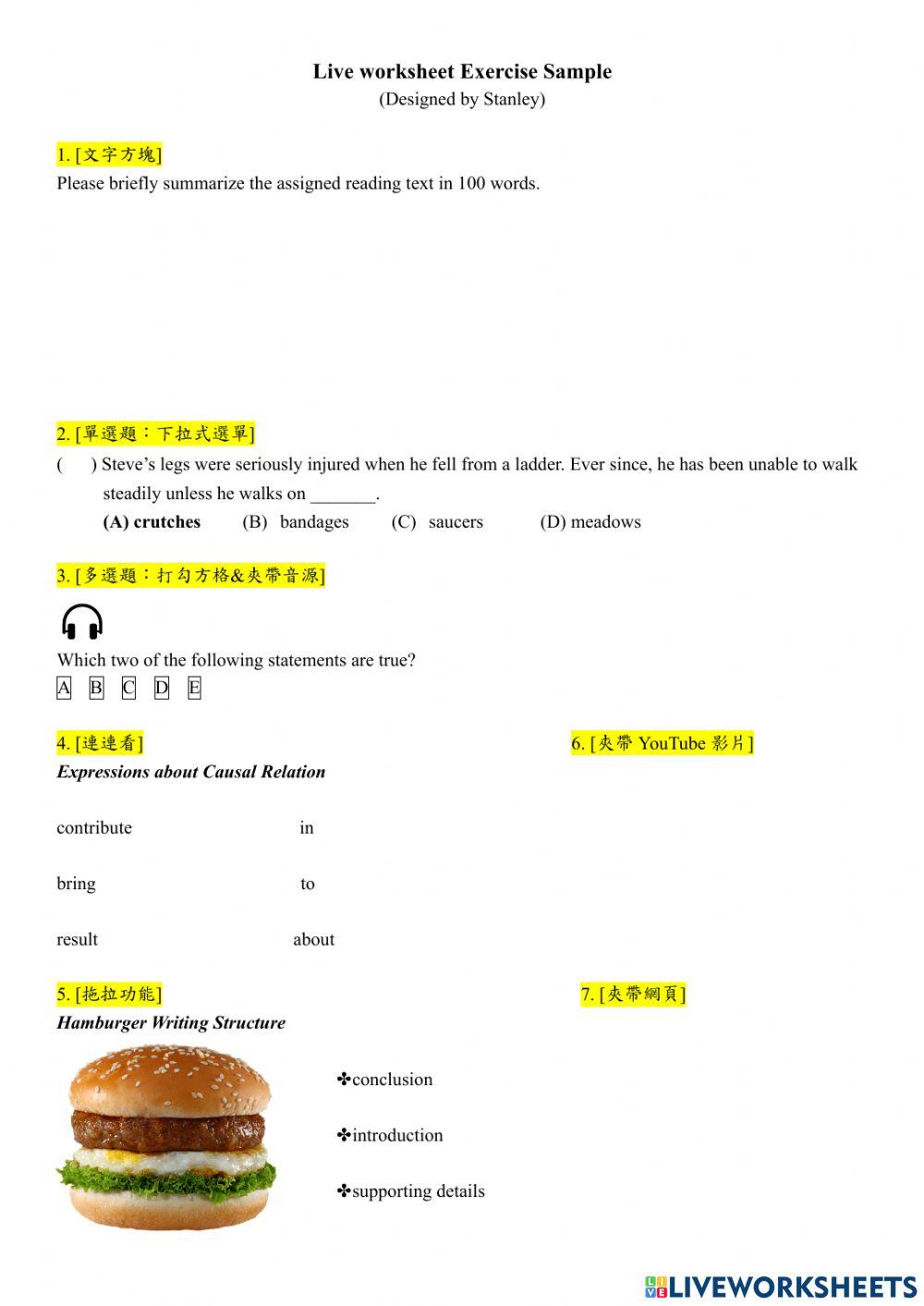
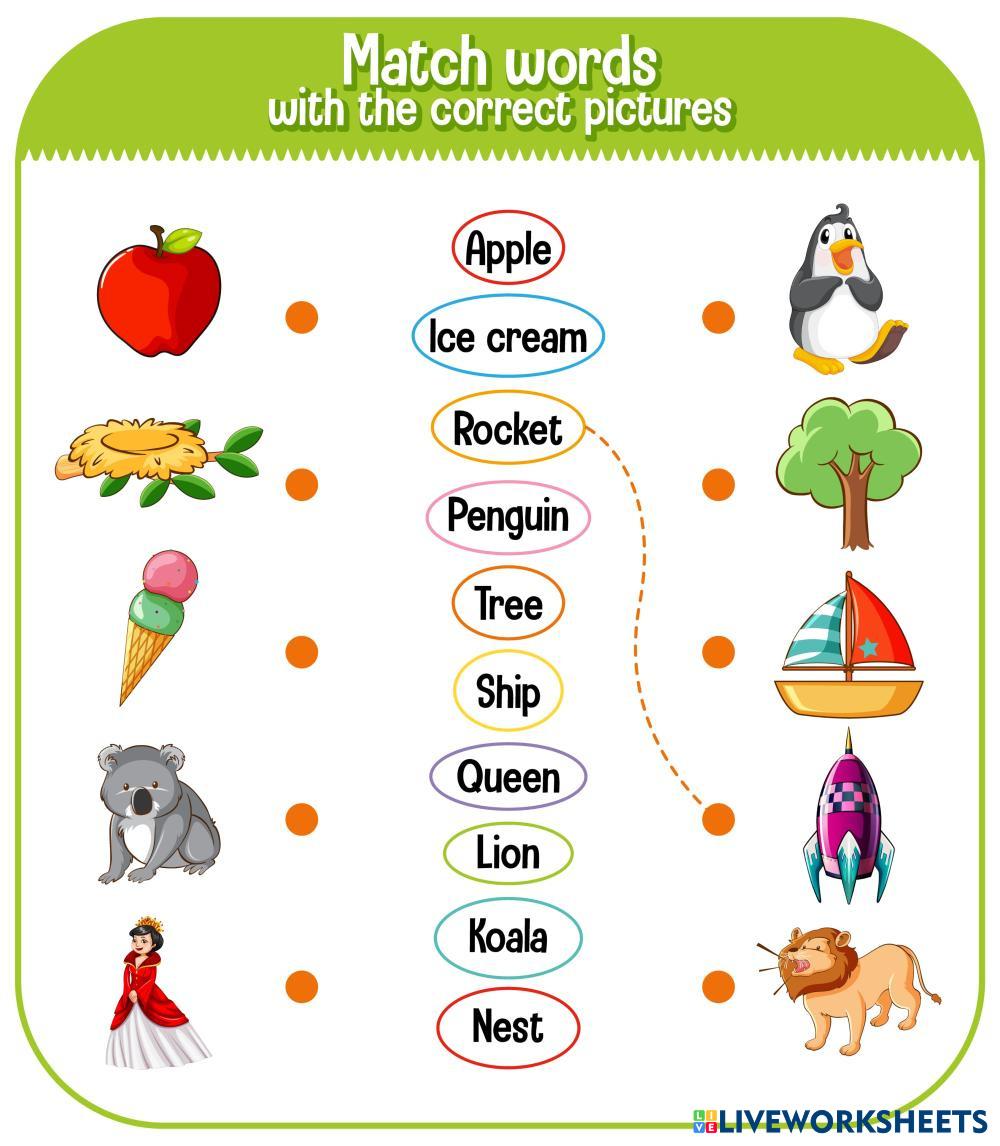
The primary objective of a livework sheet is to reinforce core competencies across subjects such as mathematics, language arts, and general Academic topics. By incorporating interactive elements like drag-and-drop features, drop-down menus, and open text boxes, these resources actively engage analytical and motor skills simultaneously. This format ensures that learners do not merely memorize facts, but actively apply concepts through structured Worksheet frameworks designed to measure true comprehension rather than rote repetition.
Key Learning Outcomes
Learners utilizing a livework sheet systematically develop critical thinking and problem-solving abilities through immediate task execution. The interactive environment promotes self-regulated learning, allowing individuals to identify and correct mistakes in real time without waiting for manual grading cycles. Additionally, completing these tasks fosters enhanced digital literacy and concentration, as users must navigate structured layouts to fulfill specific instructional prompts accurately.
Overview & Skill Breakdown
| Focus Area | Target Skill | Best Practice |
|---|---|---|
| Comprehension | Information retrieval | Scan prompts thoroughly before answering. |
| Application | Problem-solving | Work step-by-step through interactive fields. |
| Reflection | Self-correction | Review auto-graded feedback for error patterns. |
How To Use This Worksheet
Implementing a livework sheet effectively requires access to a compatible device connected to the internet, alongside clear instructions tailored to the specific learning objective. Instructors and facilitators can distribute these interactive links digitally via email or learning management systems, permitting users to complete exercises on tablets, laptops, or desktop computers. Once completed, the system can instantly evaluate responses, saving valuable administrative time and offering immediate insights into individual or group performance trends.
Practical Tips for Success
Preparation involves verifying device compatibility and ensuring that internet connectivity remains stable throughout the session. During execution, encourage learners to read all instructions carefully before interacting with drag-and-drop or fill-in-the-blank fields to minimize careless errors. For extension, use the generated score reports to identify weak areas, assigning complementary Early Learning drills or advanced modules to ensure comprehensive mastery.
Stage-Appropriate Recommendations
When scaling tasks for different developmental levels, adherence to the National Association for the Education of Young Children (NAEYC) guidelines ensures that digital and physical tools remain developmentally appropriate. According to NAEYC standards, technology should be used as an active tool to support learning goals without replacing hands-on exploration. Beginners benefit from simplified interfaces featuring fewer interactive elements and larger clickable areas, whereas advanced learners thrive on complex, multi-layered problem sets that require higher-order analysis and independent navigation.
24% Increase in Concept Retention — Journal of Educational Technology Systems (2023)
Frequently Asked Questions
Explore More Free Printable Resources
Expanding a digital or physical resource library enhances long-term educational success by providing endless variations for practice and review. Discover additional tools for organizing schedules, tracking progress, and fostering Personal Growth, alongside Administrative templates designed to streamline workflow management. Visit the main library at Free Printable For You to browse thousands of free resources for every learning stage.
Visual Reference Gallery